Find your pages.
Start with the pages found in your repository. Search by name, route or file, then open the page you want to understand. Even a growing app has a place to begin.
Your app, explained page by page. Understand what you’ve built.

You built the app.Now understand it.
Your app has pages, forms and buttons. But what does each one do? Where does it lead? What happens when something fails? Building it doesn’t always give you those answers.
Start with the pages found in your repository. Search by name, route or file, then open the page you want to understand. Even a growing app has a place to begin.
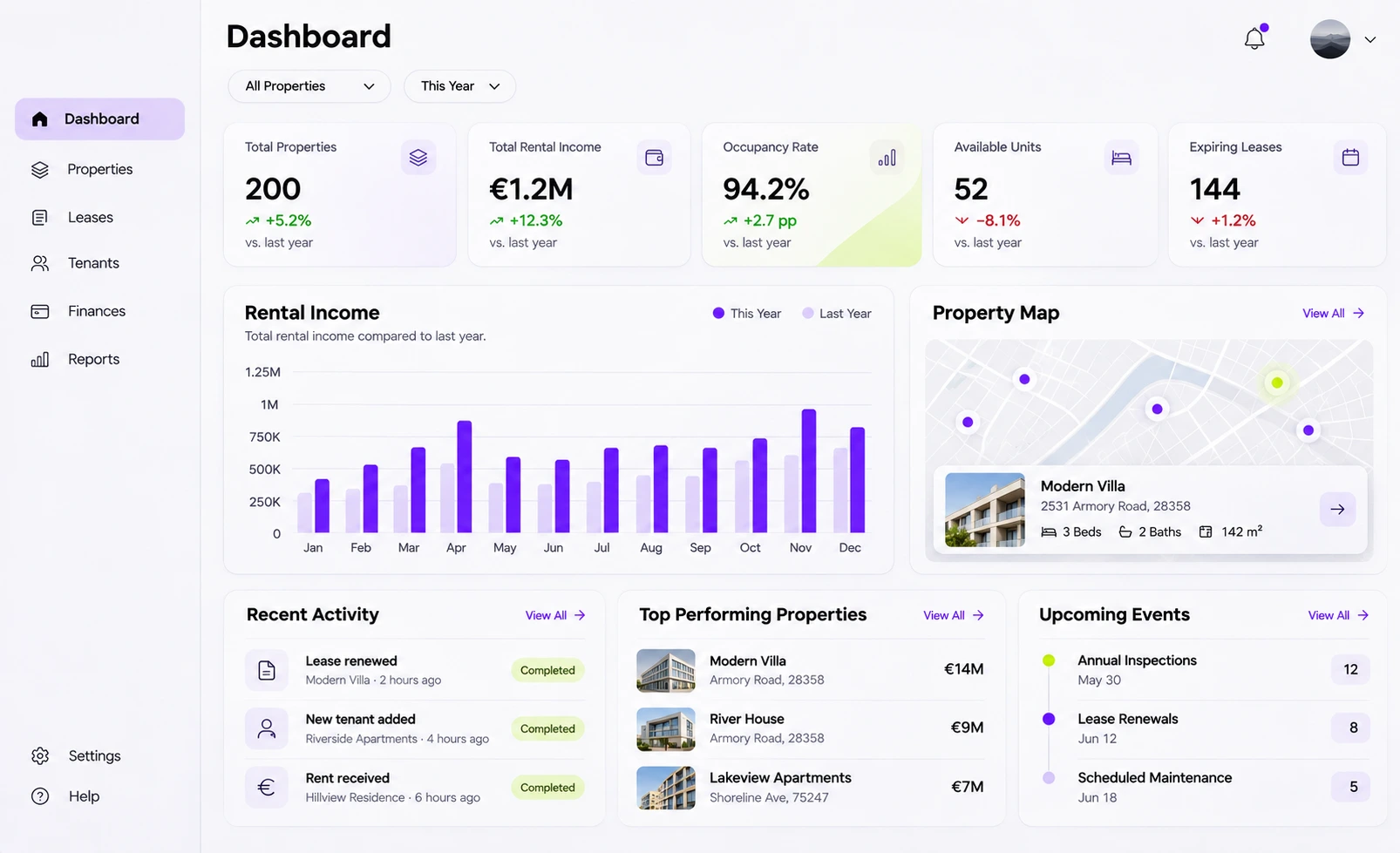
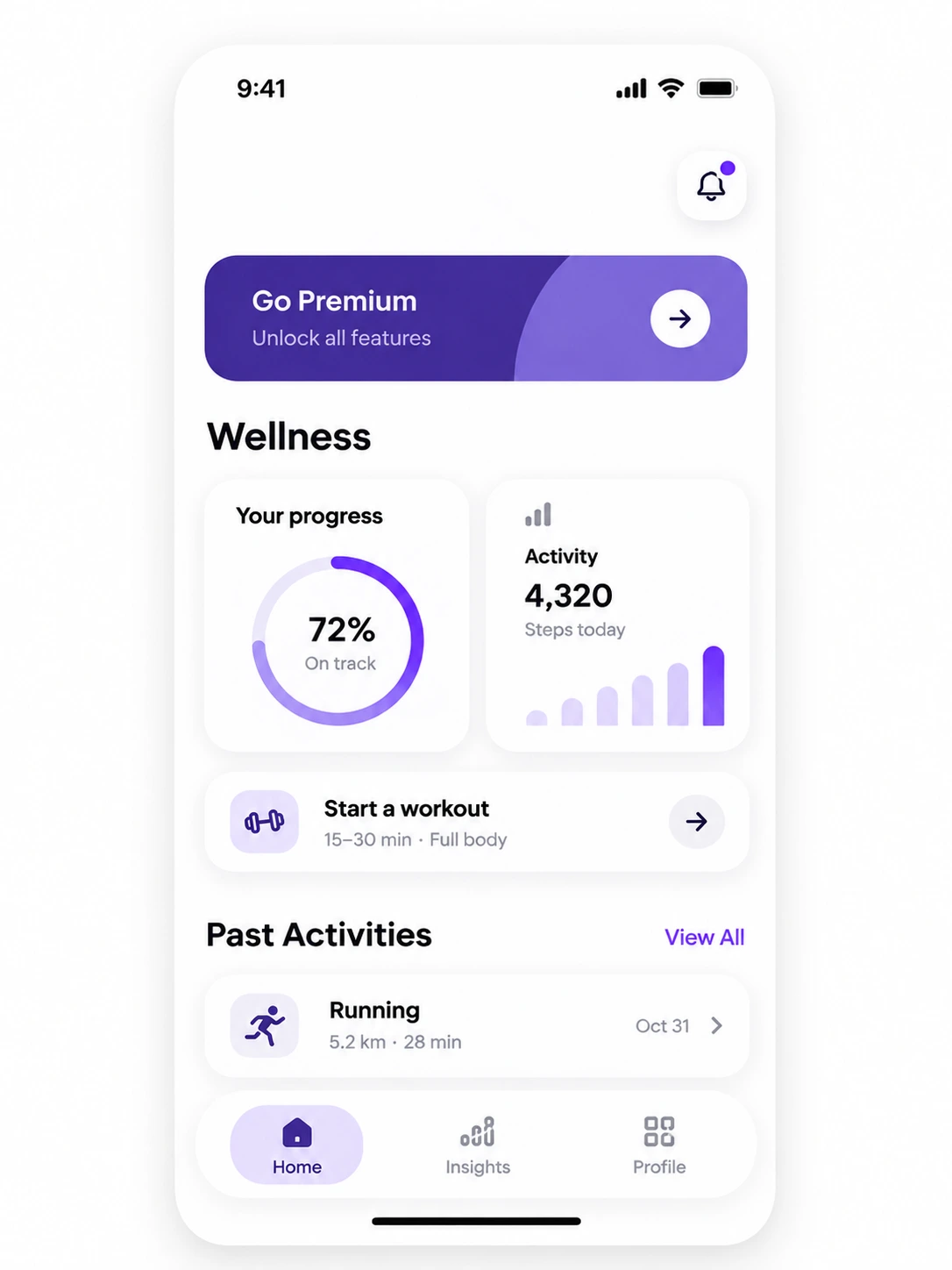
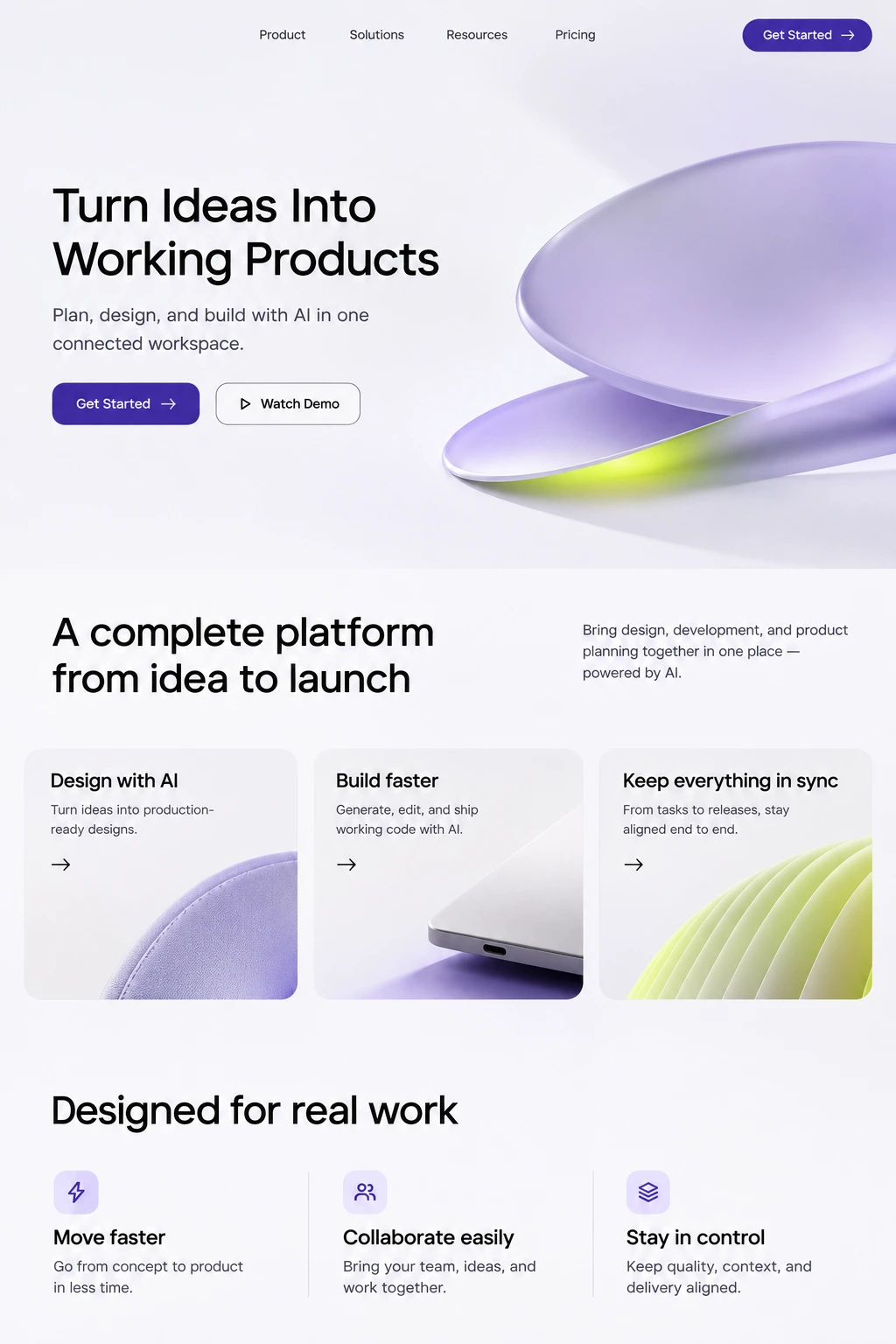
See available phone and desktop previews, with the app’s actual layout, components and CSS. Select a visible element to identify the part of the interface you’re asking about.
Does this button open a page, change a value or call a service? Follow the readable flow, explore the conditions found in the code, and see which outcomes still need checking.
Go from the selected element to its explanation, then open the related source when you need it. Keep the page, preview and question together instead of getting lost between files.

Find its pages. Follow its actions.
Understand the code behind the interface.
Find the page you need, see its available previews, and recognize the components by their appearance.
01Follow an interaction through the conditions and outcomes found in its source. Keep unanswered questions in view.
02Open the implementation behind an explanation. See the exact file and lines without losing the page you were exploring.
03Find your pages.
↗See the real interface.
↗Recognize each component.
↗Follow an action.
↗Explore the conditions.
↗Open the related code.
↗See what’s still unknown.
↗Keep your place.
↗